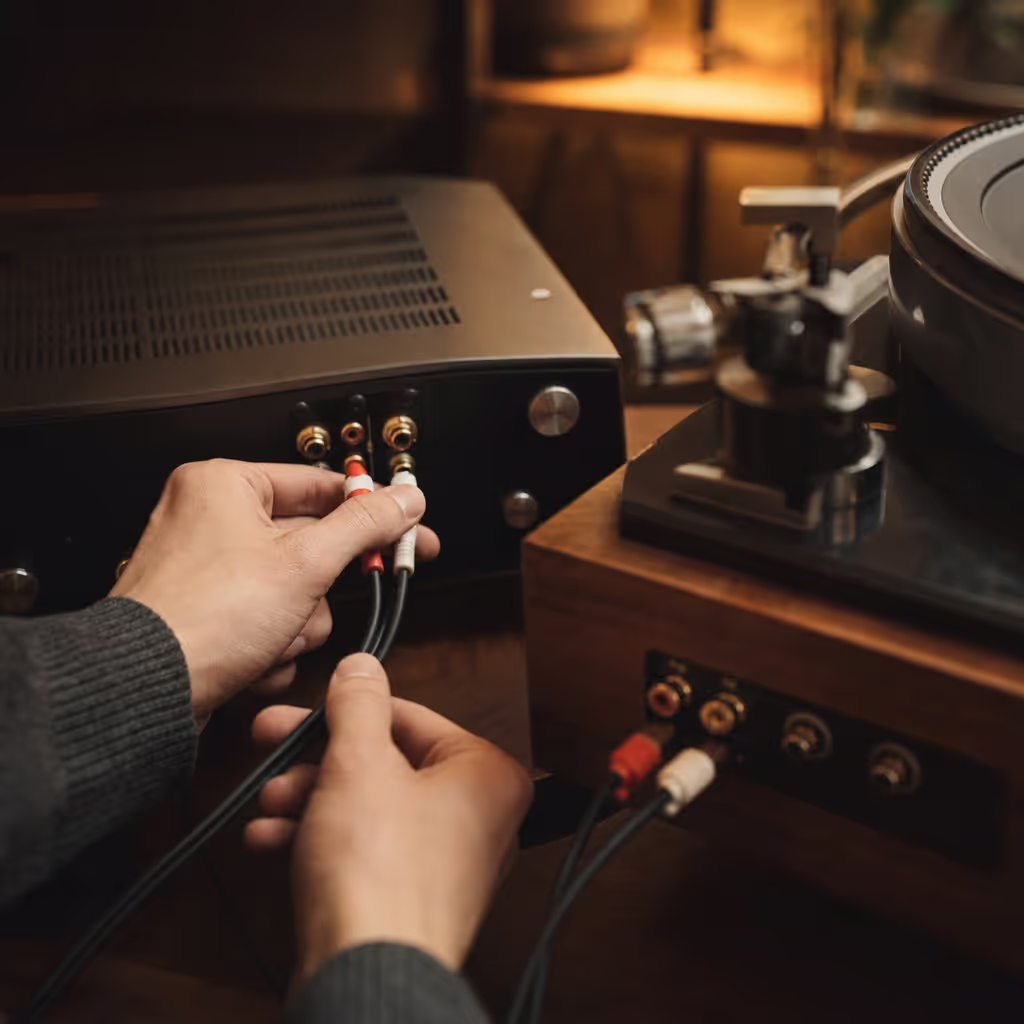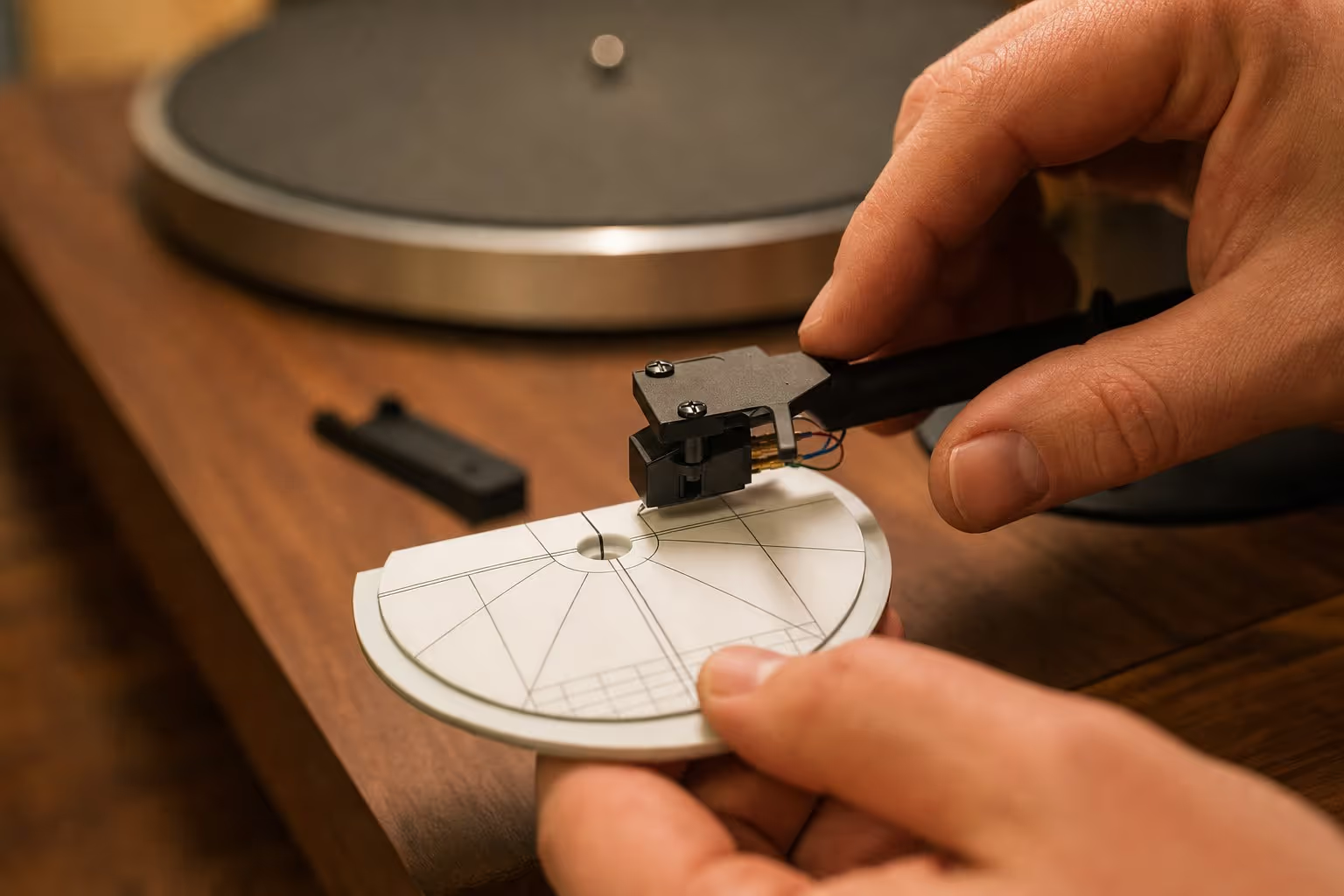
A turntable that’s unboxed, plugged in and technically playing records isn’t necessarily set up correctly. Most complaints about a “disappointing” new turntable trace back to one of five checkable things, none of which require specialist tools.
1. Level the turntable
An unlevel turntable causes the stylus to track unevenly across the groove, which can affect both sound quality and long-term record wear. Most turntables have adjustable feet; a simple spirit level (a phone app works fine for a rough check) across the platter is enough to catch anything meaningfully off.
2. Set tracking force correctly
Tracking force, how much downward pressure the stylus exerts on the record, is specified by the cartridge manufacturer, usually as a range in grams. Too light, and the stylus can skip or mistrack, especially on louder passages; too heavy, and it wears records faster than necessary. Many tonearms have a counterweight with a numbered scale for this; if yours doesn’t, a basic stylus force gauge is a low-cost, one-time purchase that removes the guesswork.
3. Check anti-skate is actually set
Anti-skate is easy to forget because it’s not always obvious it exists. Left at zero on a turntable that expects a real setting, the stylus is pulled slightly toward the inner groove throughout playback, causing uneven wear between the two stereo channels over time. It’s usually a quick dial or small hanging weight near the tonearm base, check the manual for your specific model’s setting rather than assuming a default is correct.
4. Confirm the phono stage is in the signal path
This is the most common reason a “properly connected” turntable sounds thin, quiet, or wrong in tone: the phono signal needs RIAA equalisation and boosting before it reaches a normal line-level input, and if that step is missing anywhere in the chain, no phono input on the amp, and the turntable’s own built-in phono stage switched off or absent, the result sounds broken even though every cable is connected correctly.
5. Put it somewhere stable
A turntable sitting on a shared shelf with speakers, or on a surface that flexes with footfall, picks up mechanical vibration through the plinth that the stylus reads as unwanted noise. A stable, dedicated surface, ideally not directly beside the speakers, removes a source of audible rumble and, in bad cases, feedback that has nothing to do with the turntable’s actual quality.
Working through these five in order takes under fifteen minutes on most turntables, and resolves the large majority of “this doesn’t sound as good as I expected” complaints without spending anything further on the equipment itself.